 All Games
Stick Merge
Free browser game
Featured game
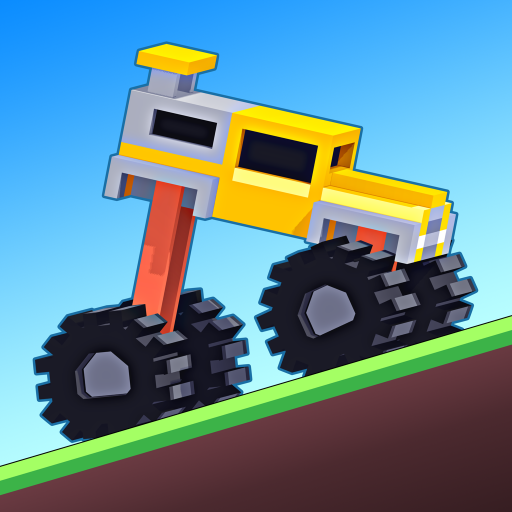
Physics driving game with tricky terrain and unusual vehicles
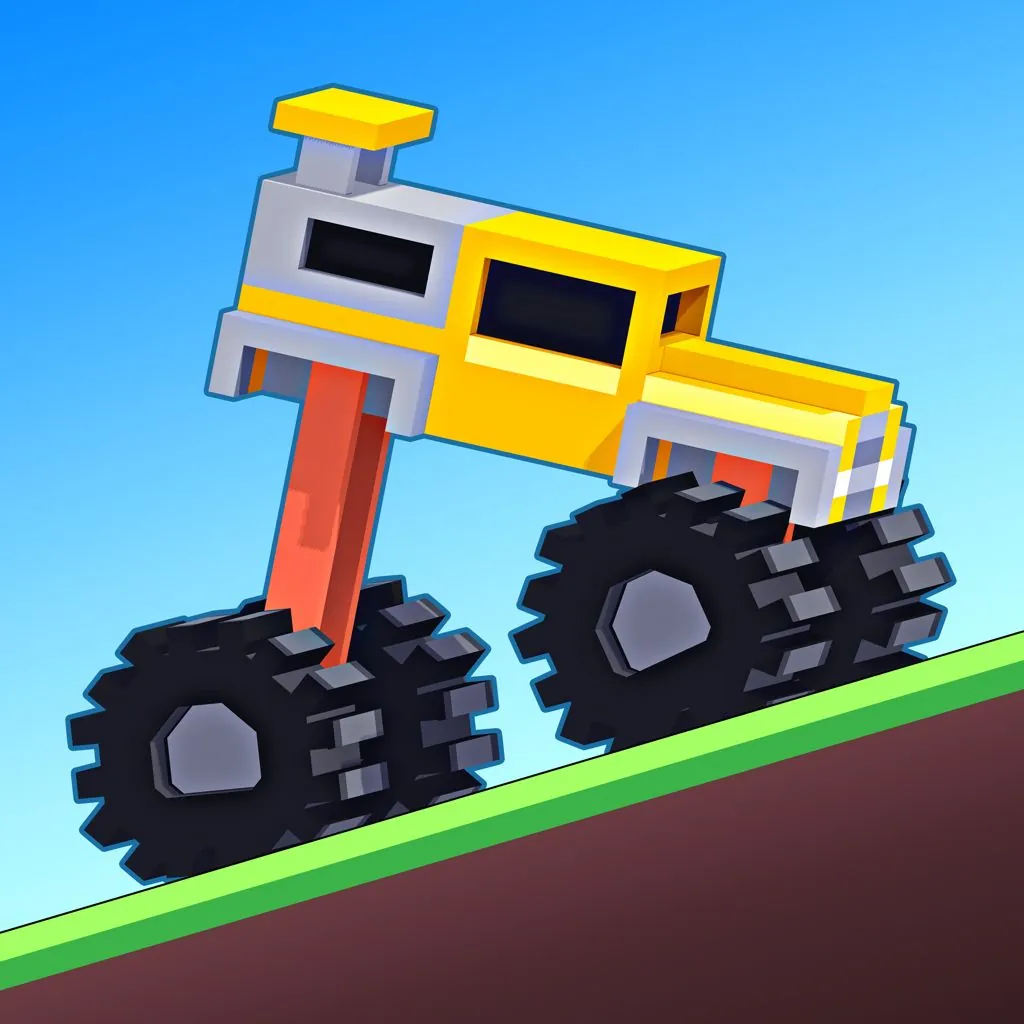
The game loads after you press play.
Fresh picks
All Games
Free browser game
 All Games
Free browser game
 All Games
Free browser game
 All Games
Free browser game
 All Games
Free browser game
 All Games
Free browser game
 All Games
Free browser game
 All Games
Free browser game
 All Games
Free browser game
 All Games
Free browser game
Quick guide
Play Drive Mad online for free. Control your speed, balance unusual vehicles, cross tricky terrain, and reach the finish without flipping over.
Open the complete game guide →Forward: W, D, X, Up Arrow, or Right Arrow.
Brake or reverse: S, A, Z, Down Arrow, or Left Arrow.
Touch: right side to drive; left side to brake or reverse when supported by the embedded version.
Guide each vehicle across the obstacle course and reach the finish without flipping over, breaking the vehicle, or falling off the route.
Complete game guide
Drive Mad is a physics-based driving game where reaching the finish line is only half of the challenge. Every vehicle reacts to acceleration, braking, slopes, jumps, and awkward landings, so holding the drive key at full speed is rarely the best solution. The goal is to cross each short obstacle course without flipping over, breaking the vehicle, or falling away from the route.
The controls are deliberately simple, but the terrain makes every input matter. A small tap can settle the vehicle before a landing, while too much power can lift the front wheels and turn an easy ramp into a crash. Because levels restart quickly, each failed attempt gives you useful information about the next jump, bridge, moving platform, or unusual vehicle.
Drive Mad does not use traditional left-and-right steering. Instead, forward and reverse inputs change your speed and affect how the vehicle rotates or balances. Learning when to stop accelerating is just as important as knowing when to move.
On a keyboard, use W, D, X, Up Arrow, or Right Arrow to drive forward. Use S, A, Z, Down Arrow, or Left Arrow to brake or reverse. On touch-enabled versions, press the right side of the screen to move forward and the left side to brake or reverse.
The exact on-screen prompts can vary with the embedded version. If a key does not respond, check the title screen or in-game instructions before restarting the level.
Tapping the controls gives you more time to read the suspension and the angle of the vehicle. Continuous acceleration is useful on a long flat section, but it can create too much rotation before a jump.
Notice whether the front or rear of the vehicle is rising. Adjust with a brief forward or reverse input while there is still time, then try to place the wheels on the next surface together.
A new platform may move, tilt, collapse, or require a controlled drop. An initial slow attempt reveals how the obstacle behaves and usually teaches more than an immediate full-speed run.
Backing up is not always a failed attempt. Some situations give you room to reset the vehicle, create a better approach, or move a mechanism before driving forward again.
Different wheelbases, suspension setups, and vehicle shapes respond differently to the same ramp. Spend the first few seconds learning how quickly the current vehicle accelerates and how easily it tips.
Drive Mad turns a two-direction control scheme into a sequence of small physics puzzles. The solution is often a rhythm of acceleration, release, braking, and patience rather than raw speed. Short levels and fast restarts keep experimentation moving, while new terrain and unusual vehicles prevent one technique from solving every course.
Martin Magni created Drive Mad as part of Fancade. This independent game page is not the developer’s official website. Game names and trademarks belong to their respective owners.
Use short taps instead of holding accelerate through every obstacle.
Slow down before unknown ramps, bridges, and moving platforms.
Watch the vehicle angle and prepare the landing before leaving a ramp.
Use reverse to reset your approach when the level gives you space.
Learn how each new vehicle responds before attempting a fast run.
Drive Mad was created by Martin Magni as part of Fancade.
Reach the finish with the vehicle intact. You must manage speed and balance while crossing ramps, bridges, moving platforms, and other terrain.
Use W, D, X, Up Arrow, or Right Arrow to drive forward. Use S, A, Z, Down Arrow, or Left Arrow to brake or reverse.
The official game supports touch input. Availability on this page depends on the controls provided by the embedded browser version.
Too much speed or an uneven landing can rotate the vehicle past its balance point. Try shorter inputs and reduce speed before the ramp.